Thursday, 21 April 2016

BA1B-task 5


For my final task of the 1st year, we were told to create a time machine which could be based on anything as long as we could justify it. The first thing that came into my mind when thinking about time machines was Victorian mechanical devices such as Tesla coils or Zeppelins. This led me to coming up with the idea of making a hot air balloon but I still though the mode of transport on its own was to vague so I imagined that There would be some sort of cannon or very high powered gun attached to the basket which open time tears in the fabric of the sky so that the balloon can float through them. At first I designed the model with too many faces due to the small complicated parts and that the cog by the sides of the time machine had too many faces. Another common problem that I faced was getting the geometry right on the balloon itself because if I extruded it wrong, the face would inverse themselves in the wrong places. When I tried using Zbrush to Decimate the balloon, it got rid of too much geometry so I decided to go an alternative route by using Quixel to apply detail to the map instead. Quixel works as an add-on to Photoshop where it has 3 main functions. Like my pillar, I had to make a high poly map and a cage (keeping my simplified model as a low poly)  and then bake an ambient occlusion map and a normal map in the XNormal.


However for Quixel, I additionally a diffused map by using the quixel colours to group parts of my model in various colours to symbolize different materials. After that I created a diffused Map on Maya which will later help create the Albedo map for the model. The first stage of Quixel was using NDO to add/incorporate textures into the normal map. I did this by using photographs of the materials I wanted from http://www.textures.com/ which I had a free license for meaning I could 12 textures per day. The most prominent ones that I remember was the metal bulkhead effects which alternatively worked as a woven basket texture and a rough canvas texture to resemble the patchy hot air balloon. the 2nd part of quixel is using DDO to apply pre-loaded colour textures to your model by selecting parts that I defined by your defused map. You can see your progress in the 3rd feature 3DO, where all the maps are loaded onto your low poly model to display a finished rendered result. Conveniently, quixel also has a turntable setting which I ended up using instead of Marmosets because Not all the colour maps loaded onto marmoset. I did make a backup turntable and copy on Marmoset.


BA1B task 4 (part 2)

After I was satisfied with the amount of damage I had applied to the pillar, I saved the current state the pillar was in (high_poly model) so that I could decimate the pillar down so that it has less than 10 thousand faces and retains similar geometry (low_poly model). After I had completed those stages. I imported my low and high poly models back onto Maya on separate layers, however I had to additionally create a cage for my model to bake in ( the cage is a transparent copy of the low poly model that covers both the low and high poly models but has to have the same topology)This also involved unwrapping the low poly model by planar mapping each of the UV shells and unfolding them to take sure that they are flat. . The next stage of the process was to import all 3 models from maya into Xnormal so that I can create a Normal, ambient occlusion and a roughness map for my pillar.


The last stage of the process was to import the Pillar into the Unreal 4 Engine, so I can show how it would look like in a game scenario. After importing the low poly model in, I had to attach all the maps to it so it can look detailed in the game engine.


BA1B task 4


For this task assigned the task of creating a pillar- as simple or complex as we wanted it and then UV map it and bake a normal and an ambient occlusion map. Since I was was into the series 'Vikings' at the time, I decided to base my pillar on a ancient Nordic monument known as an Irminsul. I kept my Pillar design fairly simple so that I could spend more time focusing on the damaged detail and the worn out rock textures. To do this, I imported the pillar into Zbrush and started making organic detail using the dynamic trim brush, changing the stroke from freehand to scattered dots to get various roughness effects. I referenced my damage to existing warn out rocks to get a more realistic texture. After that I finished it off by applying some scratches and added 'Noise' to model so that the particles ad further damage to the pillar.


BA1B task 3

For our 3rd task, our objective to use our Maya skills to recreate the object pictured on an assigned photograph. The one we received was that of a vintage telephone which required various modeling techniques to incorporate into our model. Even though this task was relatively hard, it was a guseful learning process because I manged to learn how to extrude shapes and faces as well as softening edges. If I return to this task in the future, I want to improve the telephone wire and holder of the voice receiver in the telephone because even though I temporarily left them as they are, they are not quite right and don't 100 %  match the model. I also learnt how make a duplicate special (circular duplicate) and how to engrave into the surfaces.


BA1B task 2

Our next task after creating basic shapes was to  focus on UV mapping and basic colouring. To speed the process up, our lecturer had already pre-made the shape so we learnt how unwrap it into a flat base then bake it to generate a normal map. After that we took it into Photoshop, where we learnt how to apply basic colour to various sections. I decided to give my barrel a retro/cartoon like theme. we then imported the map back onto M
aya and applied it to the existing 3D model. If I had more time I on this project, I would definitely revisit it and make the barrels appearance look more realistic.

BA1B task 1


For the start of our 2nd project at University, we  began to study and learn to use 3D programs. Even though I have briefly used 3D software before when we looked at Zbrush, the techniques that I learned using Autodesk Maya became fairly clear to me since we started off doing simple stuff, which got progressively harder.
During our first Maya workshop, our task was to create a table lamp using basic shapes. After that I decided to develop the lamp further by curving neck and adding colour and shading to make it look more visually appealing.

Friday, 13 November 2015

Final Concept


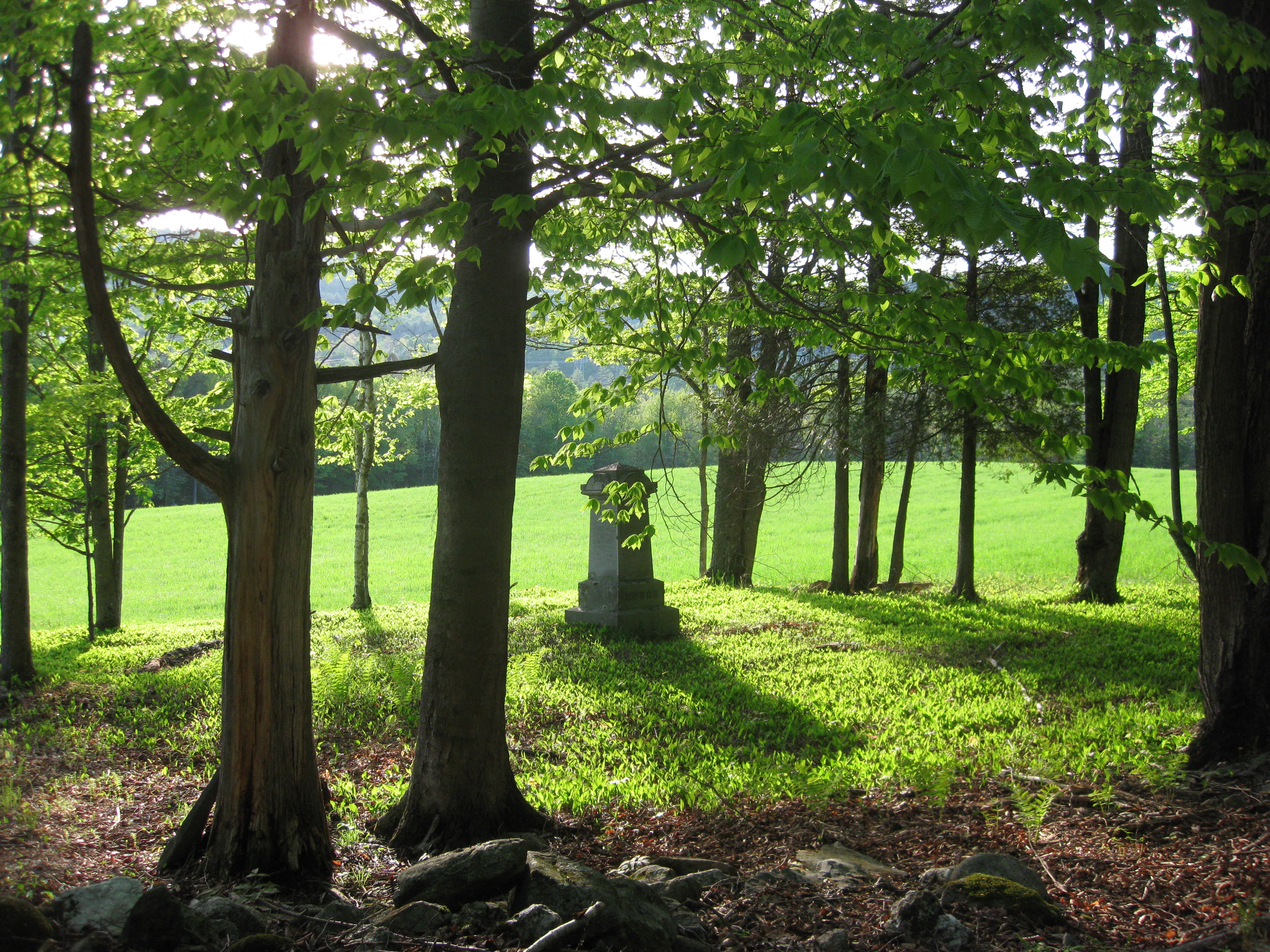
The final concept scene is based on the Soldier's march, just before he will meet the Witch. I was originally going to do a battlefield but I then turned more to the woodland idea to make the scene feel more like an enchanted fairy tale where most adventures happen in the deep dark woods. I did however keep the idea that we has been fighting previously due to the dead bodies scattered around the Forrest. I based my background one the image above of an ambient Forrest but developed my image a lot more so it looks like the solider is walking in the evening than the morning.

Colour Iterations and Character Sheet

In the end, I decided to develop the overcoat iteration, leading me to try it with 4 different colours to see which one works the best. In the Georgian times, troops from neighboring countries may have looked the same but it was their colour that defined them from their enemies. I went for 4 very stereotypical colour schemes at that time so that the soldiers nation could easily be identified e.g. Red and White- Redcoat- British.

After that I began to think more about the story of The Tinderbox and how my Georgian character would interact inside it. I took the opening extract from the story and briefly highlighted parts of it so that I can visualize them on my character sheet:

 SOLDIER came marching along the high road: “Left, right—left, right.” He had his knapsack on his back, and a sword at his side; he had been to the wars, and was now returning home.
As he walked on, he met a very frightful-looking old witch in the road. Her under-lip hung quite down on her breast, and she stopped and said, “Good evening, soldier; you have a very fine sword, and a large knapsack, and you are a real soldier; so you shall have as much money as ever you like.”
“Thank you, old witch,” said the soldier.
“Do you see that large tree,” said the witch, pointing to a tree which stood beside them. “Well, it is quite hollow inside, and you must climb to the top, when you will see a hole, through which you can let yourself down into the tree to a great depth. I will tie a rope round your body, so that I can pull you up again when you call out to me.”
“But what am I to do, down there in the tree?” asked the soldier.
“Get money,” she replied; “for you must know that when you reach the ground under the tree,

“Have you got the tinder-box?” asked the witch.
“No; I declare I quite forgot it.” So he went back and fetched the tinderbox, and then the witch drew him up out of the tree, and he stood again in the high road, with his pockets, his knapsack, his cap, and his boots full of gold.
“What are you going to do with the tinder-box?” asked the soldier.
“That is nothing to you,” replied the witch; “you have the money, now give me the tinder-box.”
“I tell you what,” said the soldier, “if you don’t tell me what you are going to do with it, I will draw my sword and cut off your head.”
“No,” said the witch.
The soldier immediately cut off her head, and there she lay on the ground. Then he tied up all his money in her apron. and slung it on his back like a bundle, put the tinderbox in his pocket, and walked off to the nearest town

http://www.hca.gilead.org.il/tinderbx.html extract taken form Hans Christian Andersen’s: The Tinderbox

In this particular instance, I have made the which an anonymous
form of evil that the soldier would have to fight in the video game to pass through to the next level.

Face Itterations

Here I have formulated a variety of features which the character would possibly have in the story. All of the variants have a probable chance to work except the wig which I just added in since they were very popular for men and women in the Georgian era but I doubt at the start of the story the soldier could afford one. The generic face of the character is based of a photograph taken by a friend who is doing a photography at University ( and allowed with the subjects permission to be used). Even though the person is quite young in the original picture, I decided to make the concept slightly older indicating that he has been in  couple of battles. After I got feedback off various people and helpful suggestion, I decided to formulate elements of the head iterations together to form possible characters I might use for my final concept.

Soldier Itterations

To get the scaling and perspective right for the character costume, I decided to look briefly at a mans anatomical structure. Along side that I looked at different European skin tones so that the character and be slightly more identified by his race as well as his uniform. Next I looked at a selection of low ranking uniform which a common soldier at that time would wear. I decided to keep the iterations simple by only using 4 colours so that the viewer can focus on the change in uniform rather than its colour.

Character Silhouettes

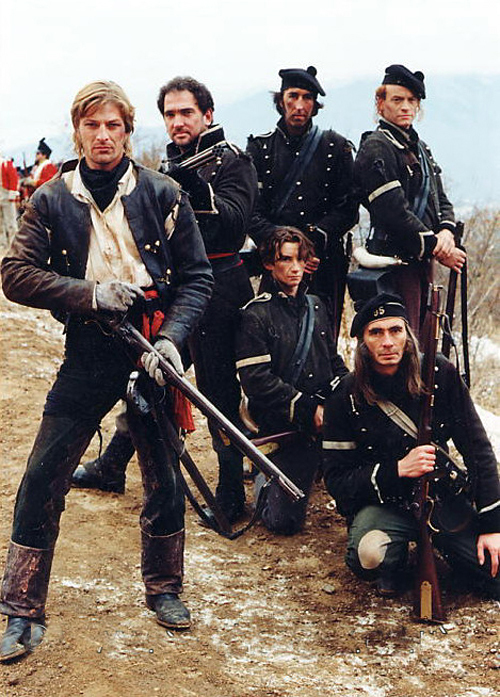
For my final project for this unit, we had to visualize a character from Hans Christian Andersen's "The Tinderbox"in the style of a particular era. I was assigned the Georgian Era (1714-1837). After reading the story and listening to the audio book, the character we I could visualize the most was the main character- The soldier, so I decided to conceptualize him. Since the character is portrayed as a greedy person who desperately wants money and fame but can lose it easily. I imagined the soldier in a low ranking position in the army, hence the eagerness to rise to royalty. My particular focus has been on Napoleonic foot soldiers such as one from Sharpe's Rifles. Since they spent most of their time fighting abroad and walking long distances, this would fit in well to the start of the story.

Thursday, 12 November 2015

Final Concept


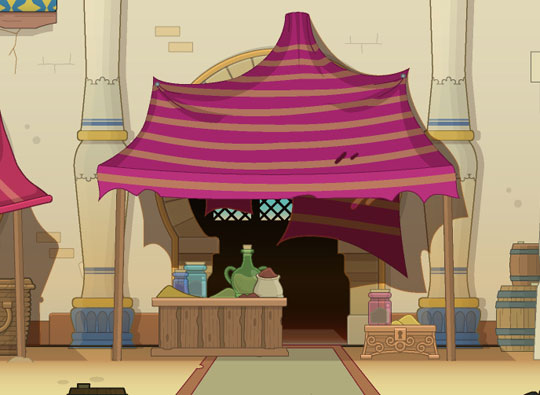
To go with the Egyptian theme, I decided to try to recreate a bazaar style background so that it suggests that the item is used commonly by Egyptian sailors and traders. After struggling with the wall light texture, I needed more scenery, so I used palm trees to give the scene a rather peaceful tropical vibe. I am pleased with my final outcome because I think the light source has been used correctly, making the picture fairly realistic but artistic enough to make it seems as if it was in a game. If I had more time I would work more on aspects of the background so that the scene is a lot clearer explained visually.

Shape Iterations and Model Sheet

Looking further into the idea of the sundial contained inside in the pocket watch itself, I began to create iterations of the container in  2 views, open and closed. My personal favorite shape was the circular one, but during my peers reviews and groups crits, I was told that the design would not work since I sundial needs to be still on a flat surface to work. The shape iterations were useful because they helped me develop my model sheet rather easily. Since the hieroglyphics I used earlier fit in well with the design, I decided to use an Egyptian scarab design on the lid to compliment the theme. I polished up my model sheet by adding light and shadows to help amplify that 3D effect.

Detailed Iterations

To give the design a more realistic feel, I explored various patterns and indents used in pocket watches. I came up with 7 different variants: 1-3 use engraving, 3-4 use marking and indents. , I chose to do the last 2 with a rectangular case, which I have now realized is impractical since it won't have the same spherical effect to tell the time.

Pocket Watch development/iterations


I decided to choose the idea of the sundial pocket watch because it seemed unique but rather practical. I have not had much experience of drawing pocket watches or sundials in great deal so I started of with some basic sketches and drawings. After I felt confident enough with the shape, I started to think how a sundial would comfortably fit in without damaging the lid and what angle the sundials shadow would be. I  then started working more with the idea of colour and how light sources effect the round surface of the pocket watch .


Timepiece project- Alchemy silhouettes

As well as the last project, I chose to use Alchemy to develop shapes and silhouettes for the time piece brief. One aspect I really like about the software is that It does symmetrical effect very well, meaning that you can produce detailed work very quickly. I also though about a brief use of colour and tried to use it to give more realism to my work but it is hard with Alchemy because sometimes the colours generate randomly.